

Adonis Workflows: ‘Hybrid’
Simulation detail for characters that don't need a full anatomy setup.
Adonis Workflows: ‘Hybrid’
Simulation detail for characters that don't need a full anatomy setup.

Tell me if you’ve heard this one before: a creature that started life as a background character ends up closer to the camera than anyone planned. The team has built a good deformation rig, the correctives are done, and then a shot comes back with a note: the belly doesn't move with the character's weight, the skin pulls rather than slides. The character is getting promoted in the shot and you’re looking at scrambling to get a simulation setup done in order to satisfy the note.
We developed the Hybrid workflow as an alternative to reworking a perfectly good character. The Adonis ‘Hybrid’ workflow starts with what you already have: the deforming geometry from your animation rig. The workflow needs no new skeleton or muscles; it takes the animated skin as its foundation and builds upward from there. From that foundation, Adonis gives you the tools to boost the character with high-quality simulation.
The first thing it builds is fascia, generated procedurally by pushing the animated geometry inward to approximate where that surface would sit. That procedural fascia follows the animation rig, but it gives the fat simulation something anatomically plausible to sit on. And that fat layer is where the character starts to feel like it has mass: the belly lags slightly on a turn, the flank settles after a landing, the shoulders overshoot on a fast motion. A skin pass over the fat adds the sliding and wrinkling that makes tissue look like it is moving over structure, carried by weight.
How much of that you use depends on the character. The push multiplier is paintable, so fat can sit thick where the anatomy calls for it and thin where it does not. You paint the skin sliding constraints the same way, with broad strokes and smoothed edges to avoid harsh transitions. On a character that’s heavily furred or far from camera, you can drop that final pass. You take what the shot needs and leave the rest.
The difference shows up in the moments that are hardest to fix with a deformation rig: a character landing from a jump, changing direction fast, carrying loose tissue around the shoulders or belly. The fat lags, the skin moves over it, and the whole thing reads as weight. Those are the shots that get commented on in review, and they are the shots where Hybrid does its clearest work.
The head, paws, tail, or any area the rig is already handling well stays on the animation deformation. For the rest, a few hours of Hybrid setup adds fat dynamics and skin sliding to a character you were already proud of, and the rig underneath carries on doing exactly what you built it to do.
Our Workflows
Turbo takes a mummy (a simplified proxy skeleton) and automatically builds a complete simulation rig on top of it: muscles, fascia, fat, and skin. It's designed for speed, and the result can be refined toward production quality from there.
Hybrid takes the deforming geometry from an existing animation rig and adds a procedural fascia, fat simulation, and skin pass on top. No skeleton or muscles required.
Crafted is the full anatomy workflow: muscles modelled and placed, every layer built and tuned by hand. The most control, and the most time.
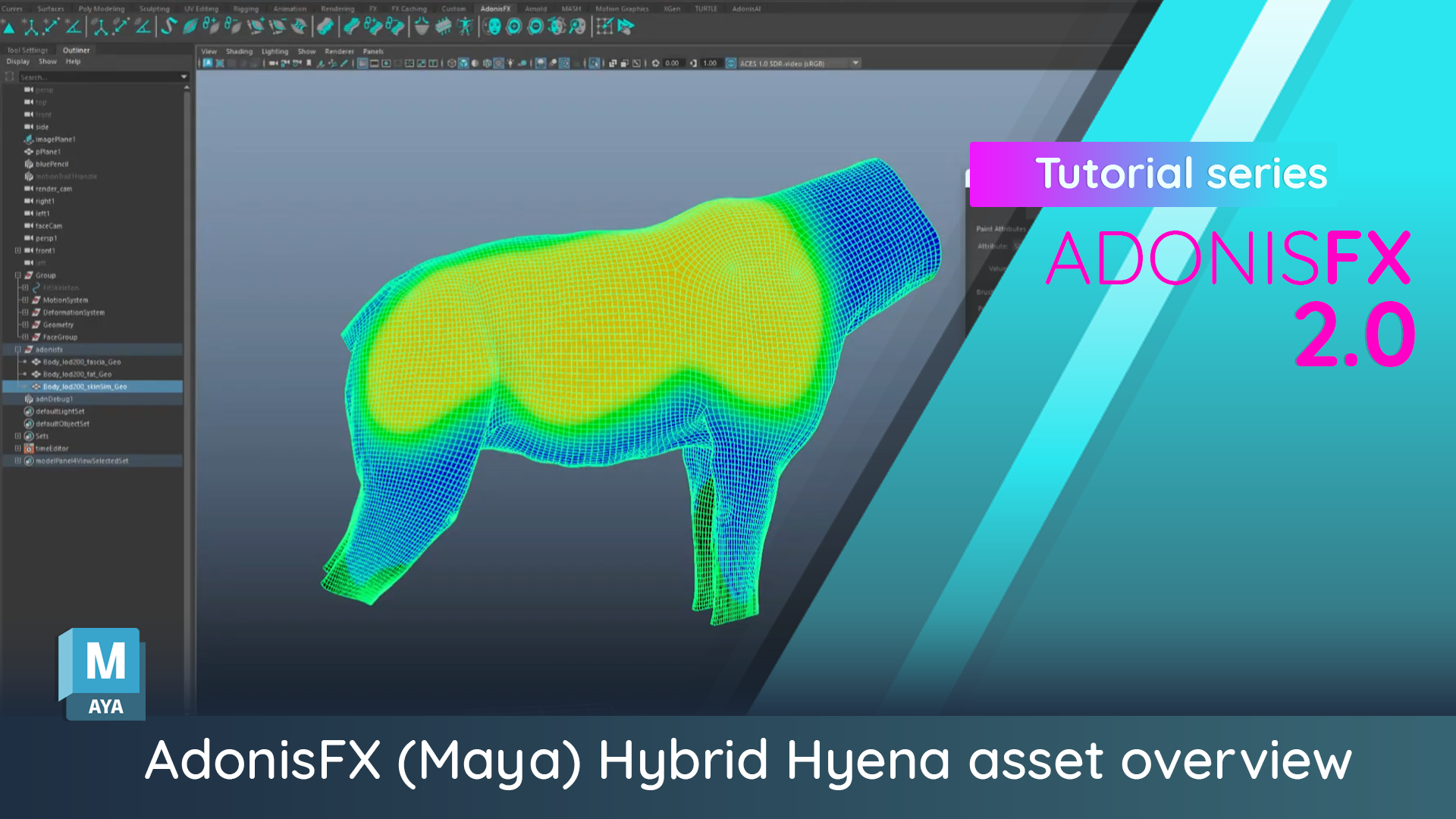
Marco walks through a complete Hybrid setup on the Inbibo Hyena, from the initial geometry preparation through to the final skin merge. Everything covered in this post, in production order.
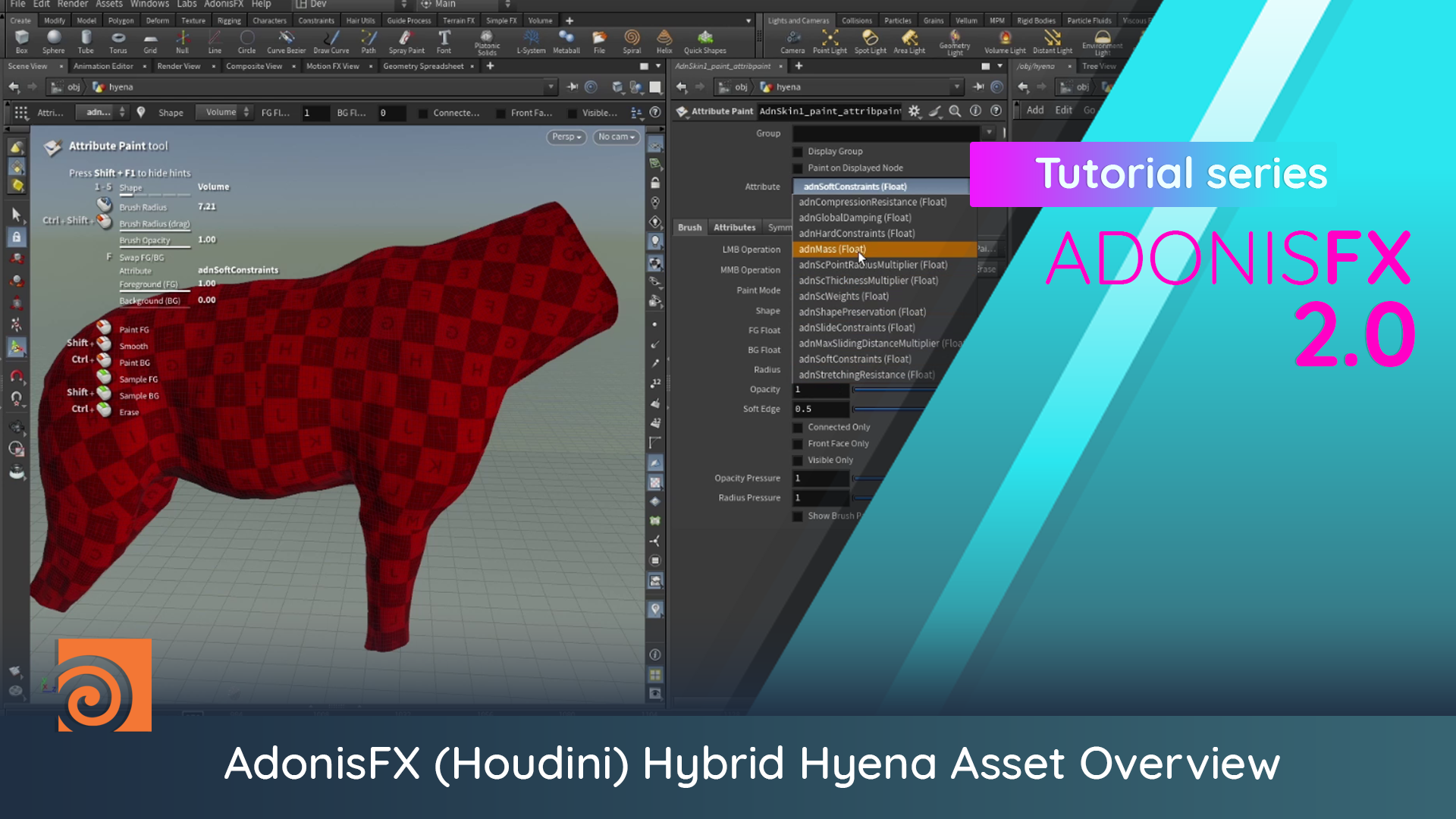
Lucas walks through a complete Hybrid setup on the Inbibo Hyena in Houdini, from fascia generation through to the final skin merge and dynamics.


