

AdonisFX portable simulation for Maya and Houdini
Transferring AdonisFX Setups Between Maya and Houdini
AdonisFX portable simulation for Maya and Houdini
Transferring AdonisFX Setups Between Maya and Houdini

Many studios run hybrid pipelines where animation lives in Maya and simulation work happens in Houdini. AdonisFX 2.0 makes creature setups genuinely portable between both applications, so TDs can work in whichever tool suits the task, layer Houdini-native tools like Vellum on top of Adonis simulations, and push changes back without rebuilding anything.
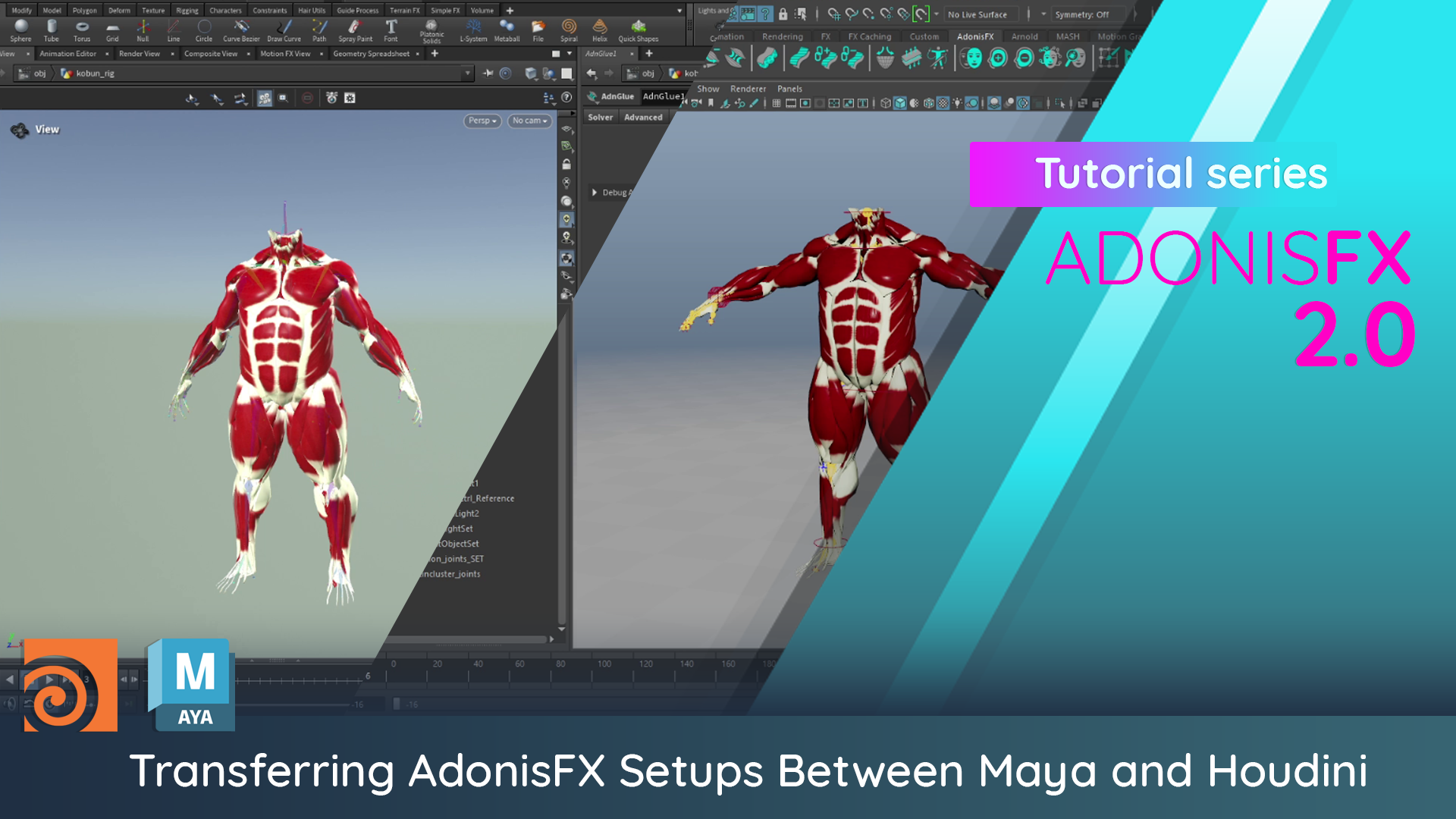
In this walkthrough, our developer Lucas demonstrates the full round-trip: exporting a complete AdonisFX simulation setup from Maya, importing it into Houdini, making changes, and bringing those changes back. Every layer transfers, including all solver settings, paintable maps, and constraints across muscles, sensors, fascia, fat, and skin.
The workflow starts with exporting the simulation setup as a JSON file through the AdonisFX menu in Maya. On the Houdini side, importing that file rebuilds the full node graph and the simulation runs live immediately. Lucas then modifies attachment weights on a single muscle in Houdini, painting directly on the geometry to loosen the left tricep. He exports just the muscle layer back to Maya, imports it, and the change carries over exactly as painted.
The only requirement is consistent naming, and that the geometry and skeleton caches be present in the scene before import. Each geometry must be separated, and a consistent node name and path attribute must be present between both applications. AdonisFX also provides utilities to generate these automatically if they do not already exist.
Ready to get started?
AdonisFX 2.0 is available now with a 30-day free trial.


