Conditional Nodes
ConditionEquals Node
NOTE
This node is currently a Beta operator. Beta operators are supposed to be used for testing purposes only and their behavior may change in the future.
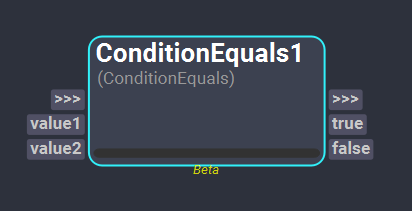
The ConditionalEquals node allows to compare if two values are equal. Depending on the result of the comparison, the execution of the workflow will continue through one graph branch or another.
Inputs
- value1: This plug of type Object is used as one of the values to compare.
- value2: This plug of type Object is used as one of the values to compare.
Outputs
- true: This plug of type Bool indicates if the compared values are equal. If that is the case (the value of this plug is
True), the nodes connected to this plug will be executed. - false: This plug of type Bool indicates if the compared values are not equal. If that is the case (the value of this plug is
True), the nodes connected to this plug will be executed.
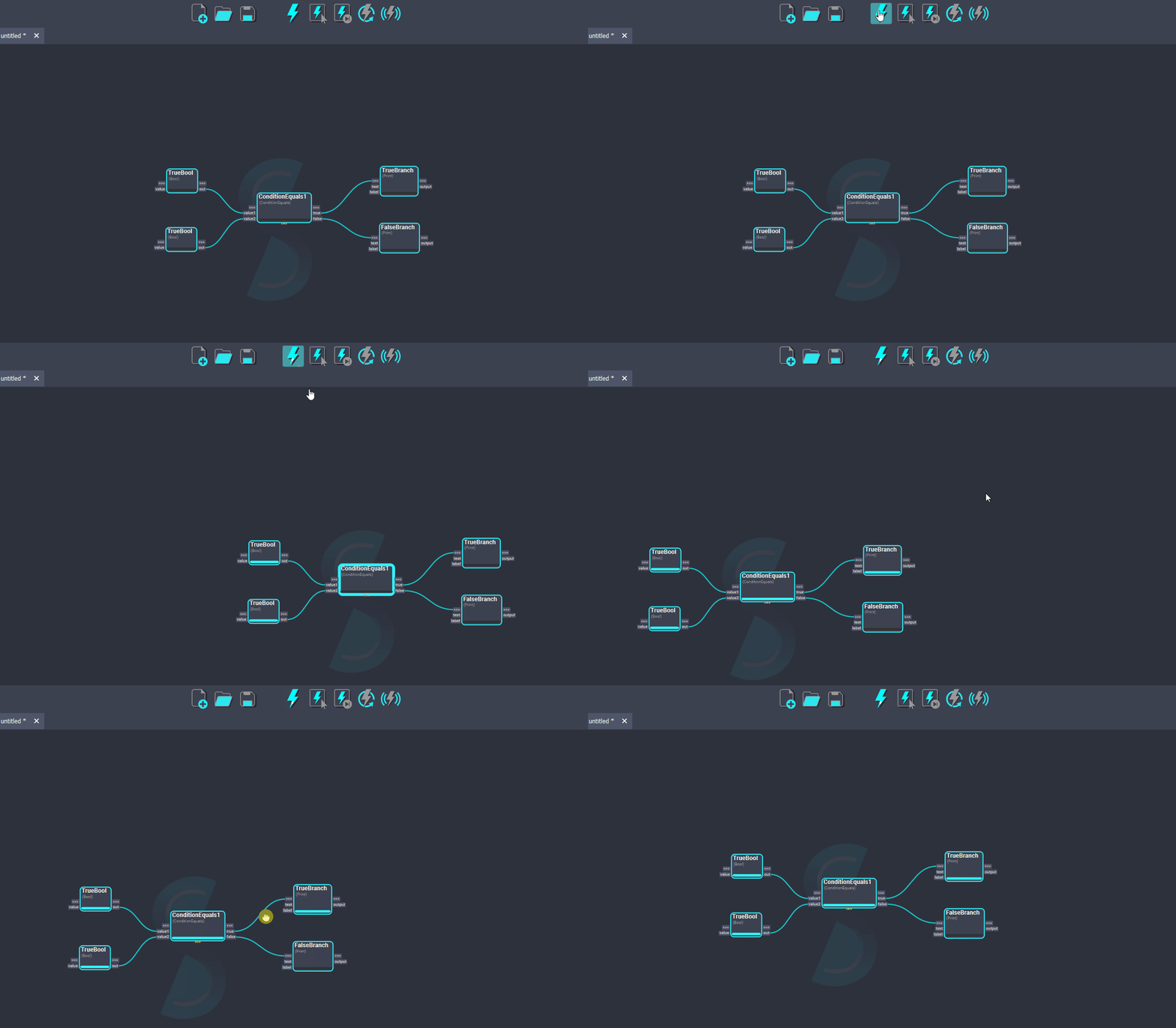
In this example, we are comparing two True boolean values. The result of the ConditionalEquals evaluation is true, therefore, the branch connected to the true plug will be evaluated.