

AdnSkinMerge
AdnSkinMerge is a Houdini SOP to blend animation and simulation together. It allows for the merging of several animation and simulation meshes into a single final mesh.
The influence simulation or animation meshes will have on the final mesh can be freely painted and modified by painting a blend weights map.
How To Use
To create an AdnSkinMerge SOP within a Houdini scene, the following inputs must be provided:
- Final Mesh (F): Mesh to apply the merge results.
- Animation Mesh List (Al): Mesh(es) to drive the simulation skin.
- Simulation Mesh List (Sl): Mesh(es) with either an AdnSkin SOP applied or with the results from the skin simulation applied.
The process to create an AdnSkinMerge SOP is:
- Go to the geometry context of the rig containing the geometry to apply the solver onto.
- Press TAB and navigate to the submenu AdonisFX > Solvers to find the AdnSkinMerge
 SOP type.
 - Create it and connect the geometry to the input.
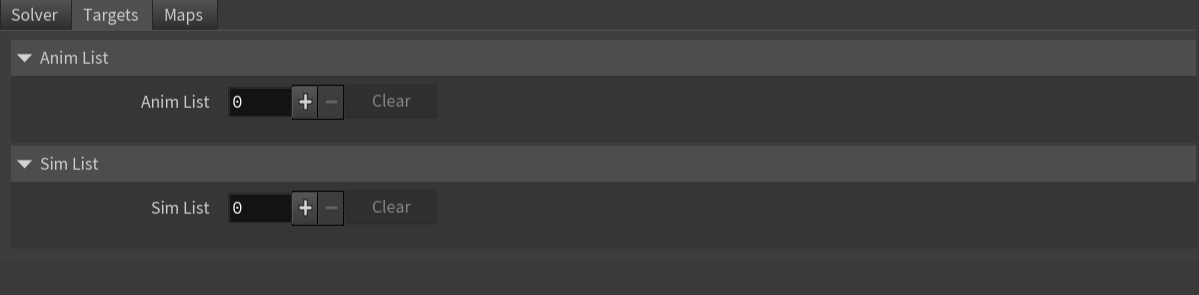
- Add the animation and simulation meshes to the Anim List and Sim List multiparms respectively exposed in the Targets tab. Take into consideration the following requirements:
- Add a mesh by increasing the number of entries in the multiparm and providing the object path of the geometry to the new entry.
- At least one mesh must be added in each field.
- To add meshes to any list, select the meshes in the scene and click the respective Add Selected button.
- Adding the same mesh twice to a list is not supported.
- Adding the same mesh as a Simulation Mesh and as an Animation Mesh is not advised.
- To remove a single element from the list click on the X button of that element.
- To clear any list fully press the respective Clear button.
- To modulate the influence of the simulation mesh inputs, use an
attribpaintnode to customize the blend weights map.
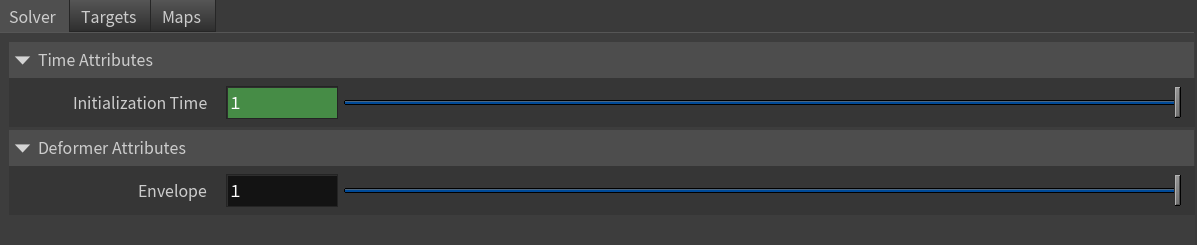
On create, the Initialization Time parameter of AdnSkinMerge is set to the
$FSTARTframe. Make sure to adjust this value according to your needs.
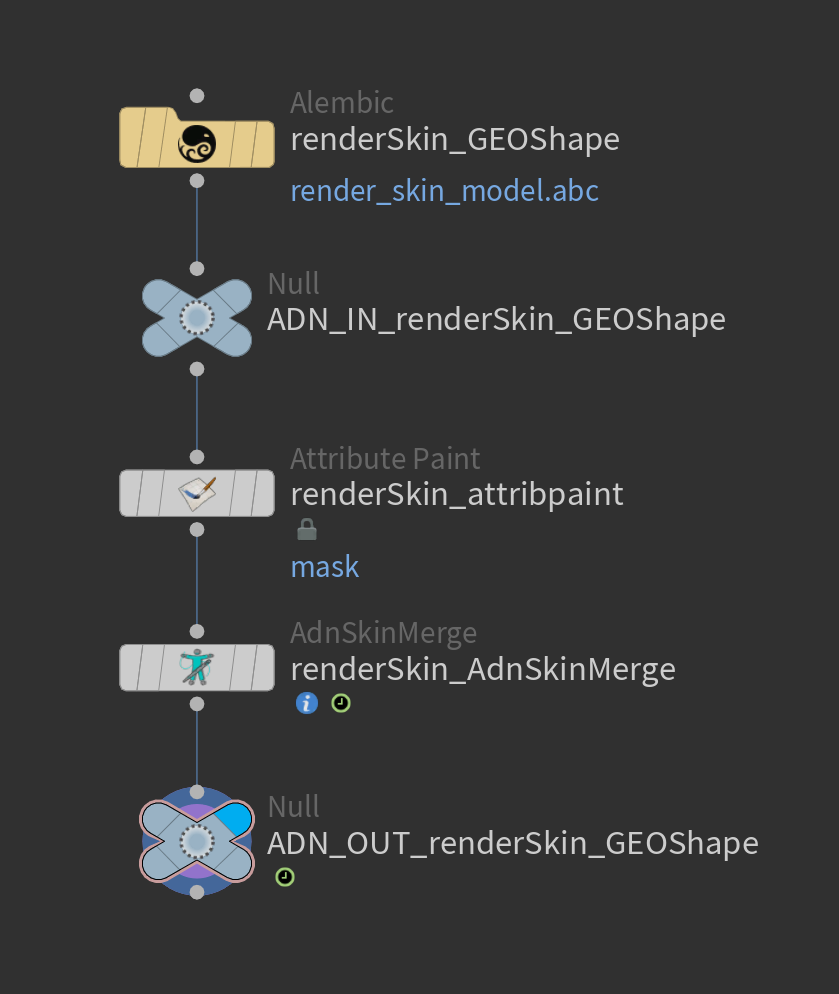
Once the AdnSkinMerge SOP is created, the input meshes (animation mesh list, simulation mesh list or both) can be modified:
- Add:
- Increment the number of entries in the Anim List or Sim List multiparm. This adds a new entry to the list.
- Enter the object path of the geometry to add. The path can be absolute or relative to the SOP.
- Make sure to recook the AdnSkinMerge at initialization time for this change to take effect.
- Remove:
- Locate the target to remove in the Anim List or Sim List multiparm.
- Remove it using the X button for that item.
- Alternatively, to remove all targets, click the Clear button of the Anim List or Sim List multiparm.
- Make sure to recook the AdnSkinMerge at initialization time for this change to take effect.
Attributes
Time Attributes
| Name | Type | Default | Animatable | Description |
|---|---|---|---|---|
| Initialization Time | Time | Start frame | ✗ | Sets the frame at which the solver will be initialized. |
Deformer Attributes
| Name | Type | Default | Animatable | Description |
|---|---|---|---|---|
| Envelope | Float | 1.0 | ✓ | Specifies the deformation scale factor. Has a range of [0.0, 1.0]. The upper and lower limits are soft, values can be set in a range of [-2.0, 2.0] |
Targets Attributes
| Name | Type | Default | Animatable | Description |
|---|---|---|---|---|
| Anim List | List | 0 | ✗ | List of geometry targets from animation. |
| Anim World Mesh | String | ✓ | Object path of the mesh used as animation input. | |
| Sim List | List | 0 | ✗ | List of geometry targets from simulation. |
| Sim World Mesh | String | ✓ | Object path of the mesh used as simulation input. |
Maps
| Name | Type | Default | Animatable | Description |
|---|---|---|---|---|
| Blend Attribute | float | 1.0 | ✗ | Specifies the name of the per-point attribute to read the blend weights from. The expected attribute name is adnBlend. The expected range of the per-point values is [0.0, 1.0]. |
| Weights Attribute | float | 1.0 | ✗ | Specifies the name of the per-point attribute to read the weight of the deformation. The expected attribute name is adnWeights. The expected range of the per-component per-point values is [0.0, 1.0]. |
- All maps parameters are disabled in the Maps tab because the attribute names are fixed to drive specific functionalities of the solver.
- Fixed point attribute names also ensure compatibility with the API.
- To copy the map names of the disabled attributes for painting (using an attribute paint node) right click on the disabled map attribute parameter, press "Copy Parameter", select the attribute paint node and on the attribute name entry right click and press "Paste Values". This allows to easily copy the attribute name for painting.
- The Make Paintable utility provided in the AdonisFX menu > Utils, can be used to create the attribpaint node and automatically populate the entries with the map names of the AdnSkinMerge SOP.
- If a point attribute on the geostream does not match the naming convention exposed in the node, use an "Attribute Rename" node to rename the attribute to match the expected naming convention.
Parameter Template

Paintable Weights
| Name | Default | Description |
|---|---|---|
| Blend | 0.0 | Weight to modulate the influence the simulation meshes have over the animation meshes. Higher values will add more influence of the simulation meshes over the final mesh.
|
| Weight | 1.0 | Default weight attribute to determine the influence of the deformer over the input geometry. |
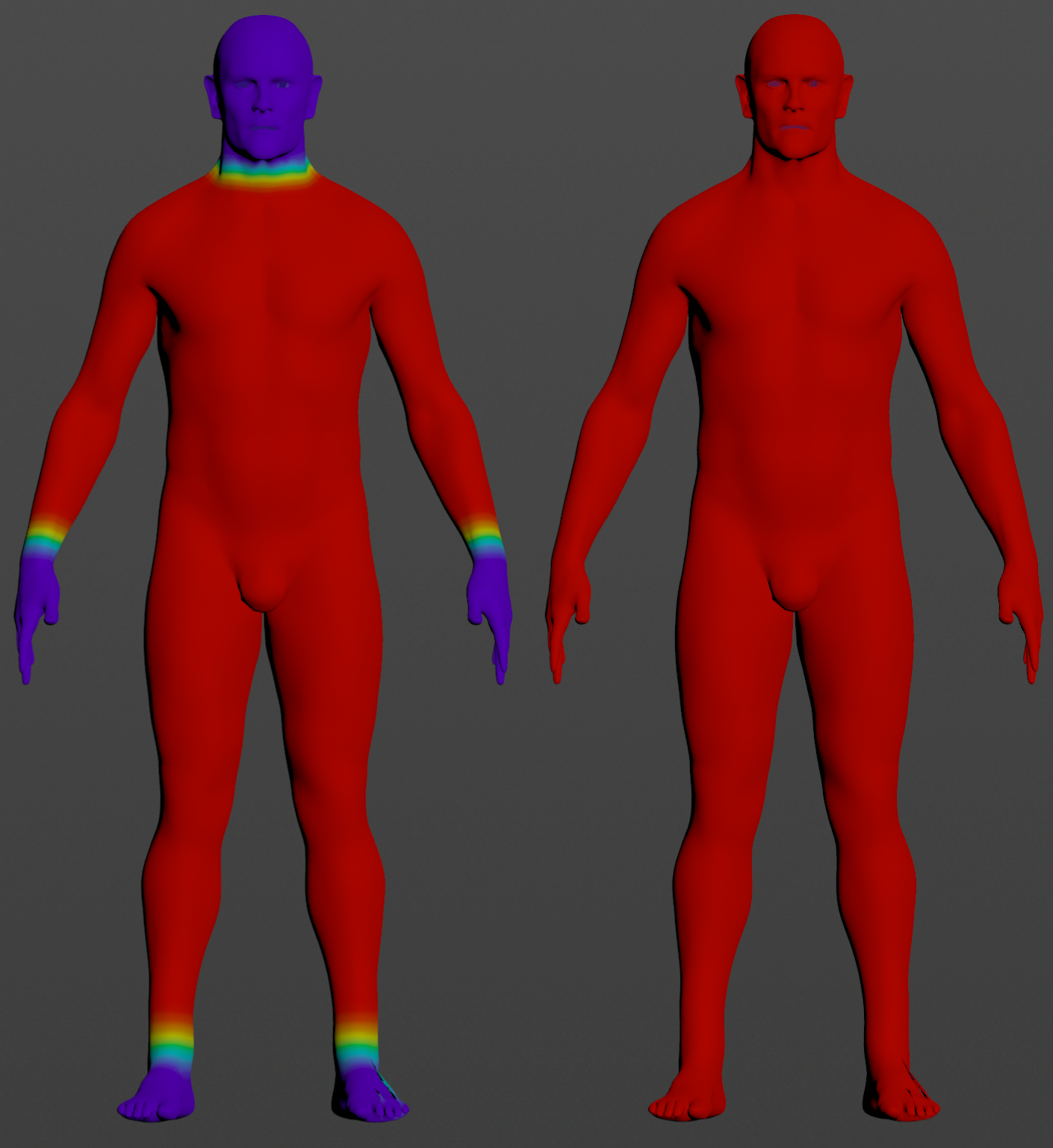
To tweak the point attributes of an AdnSkinMerge SOP, an
attribpaintis needed. To ease the creation and initial configuration of this node, select the AdnSkinMerge SOP and click on AdonisFX > Utils > Make Paintable. This utility will create anattribcreatenode to define the required point attributes and assign their default values followed by anattribpaintnode to allow these attributes to be modified. Both nodes are automatically named and properly connected to the AdnSkinMerge node.
Connections
Connections in AdonisFX for Houdini should be handled in two ways:
- Detail expression:
detail("/obj/geo1/L_adnLocatorRotation_armFlexionShape", "adnActivationRotation", 0)where the first component should contain an API compliant naming convention and the second the detail attribute name that some of the AdonisFX SOP nodes output. This should be used when the requirement is for the connected geometry to cook before retrieving the detail attribute. This could be used for example to drive a parameter of the node using the activation value output from a sensor/locator. - Channel expression:
ch("../AdnMuscle1/envelope")where the first component should contain an API compliant naming convention and the second the referenced channel to the parameter name. This could be used to for example connect a float attribute to drive a parameter on the node.


