

Export
The Adonis Export is a tool designed to facilitate the export of a complete Adonis rig from a Houdini scene. This tool enables users to selectively export various components of an Adonis rig, ensuring a structured and efficient workflow for data transfer, backup, or reuse across different projects.
UI
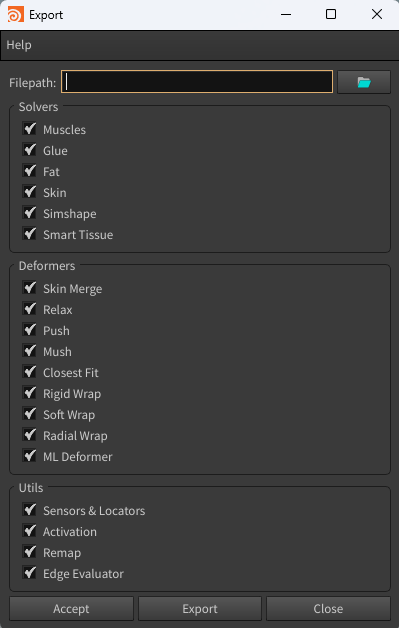
The Export Tool offers an intuitive interface (see Figure 1), allowing users to configure export settings according to their specific requirements. Below is a breakdown of the available UI elements:
-
Filepath: Specifies the destination path of the JSON file where the exported data will be saved. Clicking the folder icon opens a file browser to select the desired directory.
-
Solvers: Defines which solvers should be exported. Options include:
- Muscles: include AdnMuscle and AdnRibbonMuscle nodes in the exported data.
- Glue: include AdnGlue nodes in the exported data.
- Fat: include AdnFat nodes in the exported data.
- Skin: include AdnSkin nodes in the exported data.
- Simshape: include AdnSimshape nodes in the exported data.
- Smart Tissue: include AdnSmartTissue nodes in the exported data.
-
Deformers: Specifies which deformers should be included in the export. Options include:
- Skin Merge: include AdnSkinMerge nodes in the exported data.
- Relax: include AdnRelax nodes in the exported data.
- Push: include AdnPush nodes in the exported data.
- Mush: include AdnMush nodes in the exported data.
- Closest Fit: include AdnClosestFit nodes in the exported data.
- Rigid Wrap: include AdnRigidWrap nodes in the exported data.
- Soft Wrap: include AdnSoftWrap nodes in the exported data.
- Radial Wrap: include AdnRadialWrap nodes in the exported data.
- ML Deformer: include AdnMLDeformer nodes in the exported data.
-
Utils: Allows exporting additional utility components from the setup. Options include:
- Sensors & Locators: include Adonis sensors and locators in the exported data, ensuring proper connections between components.
- Activation: include activation nodes and their existing connections to AdnMuscle nodes in the exported data.
- Remap: include AdnRemap nodes in the exported data.
- Edge Evaluator: include AdnEdgeEvaluator nodes in the exported data.
-
Buttons:
- Accept: executes the export process based on the selected options and closes the window.
- Export: executes the export process based on the selected options without closing the window.
- Close: closes the window without exporting.
Requirements
An Adonis rig must meet some requirements to be exportable.
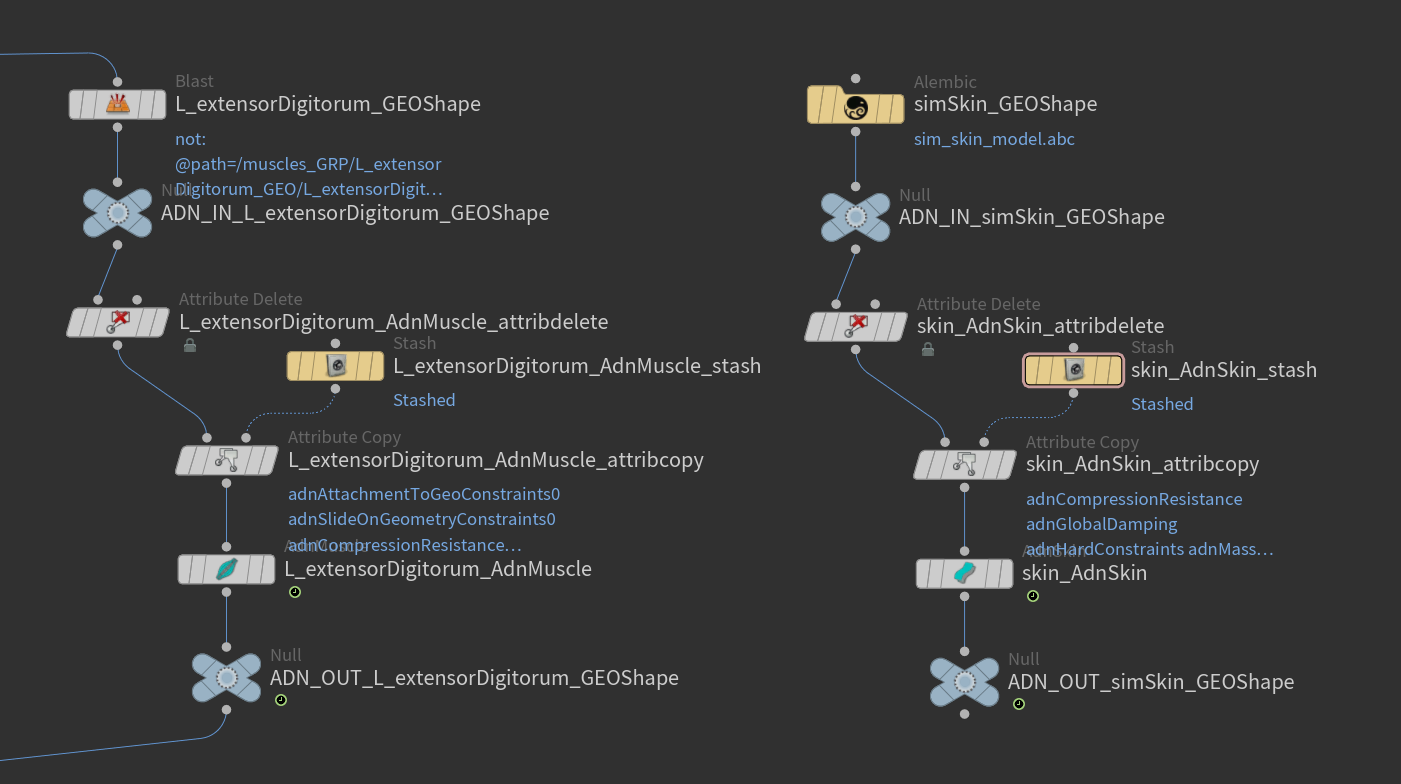
- All geometries deformed by an Adonis SOP must be encapsulated within a deformable chain limited by two null nodes prefixed with "ADN_IN_" and "ADN_OUT_".
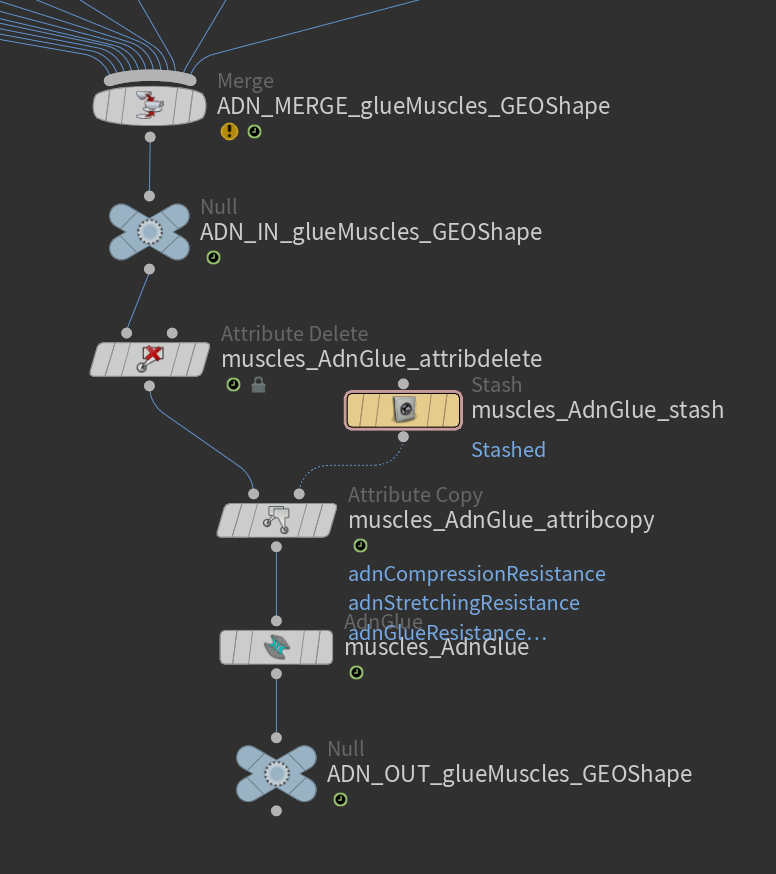
- The glue layer must receive all the input muscles merged together. The merged muscles must be the input to the ADN_IN null node of this layer.
- The muscle geometry must contain the piece attribute used by the glue solver (if any) to split the input geometry into individual muscle pieces.
How To Use
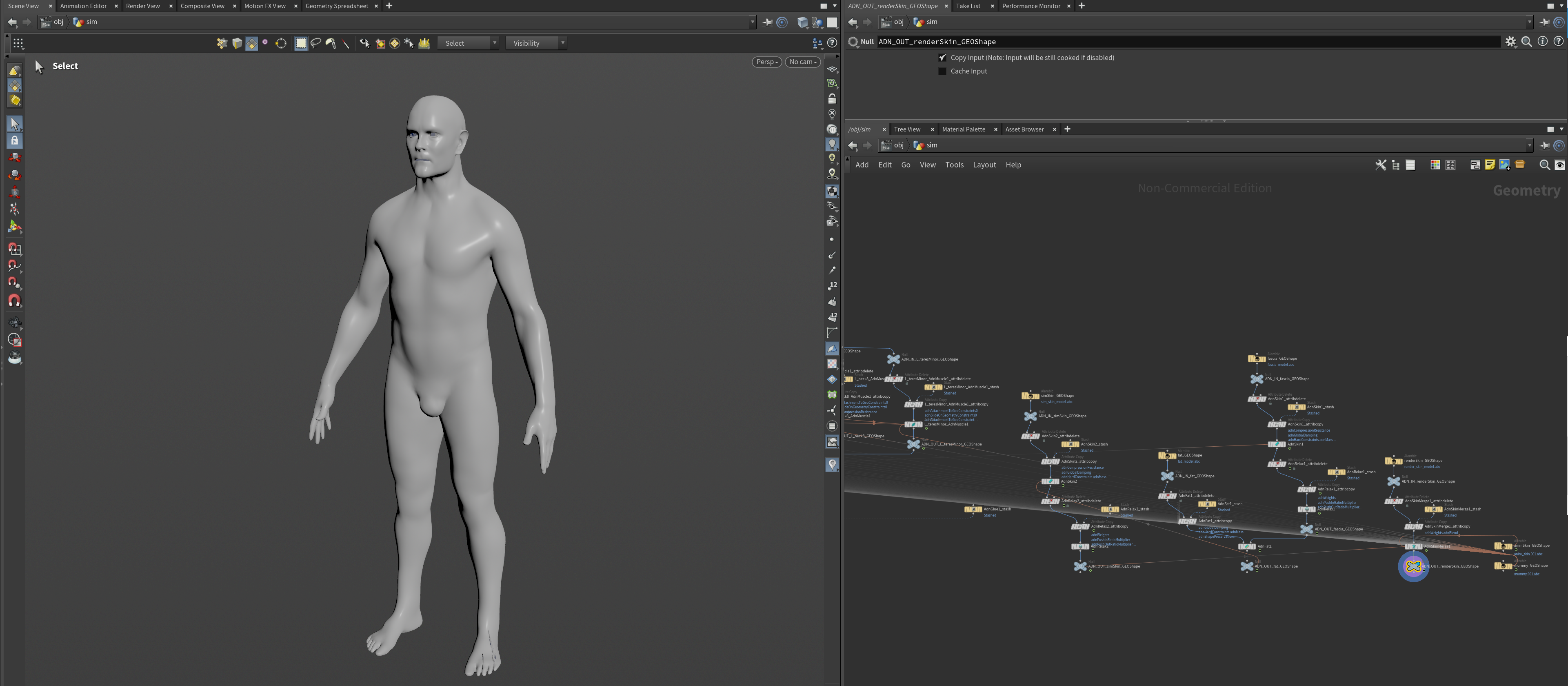
Open the scene of a fully configured Adonis rig (see Figure 2) and follow these steps:
-
Go to Adonis menu > Export (beta) to open the Export window.
-
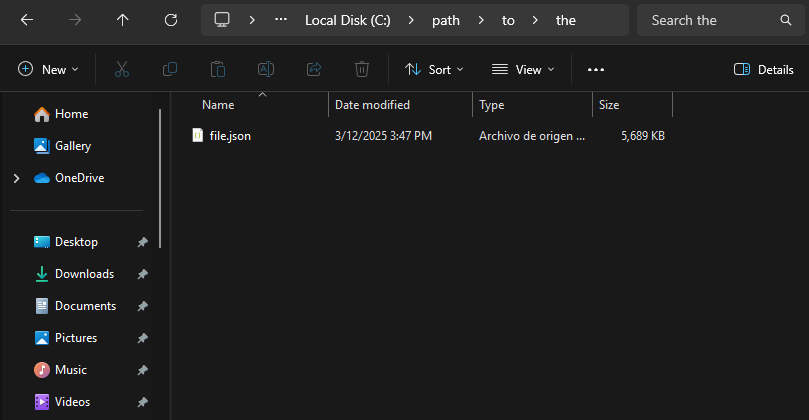
Specify the file path where the exported data will be saved (e.g.,
path/to/the/file.json). -
Select the features to export from the Solvers, Deformers and Utils sections. To export the entire rig, enable all options.
-
Click Accept or Export to execute the export process.
Depending on the complexity of the rig, the export process might take a few seconds to complete. Once finished, a JSON file containing the exported data will be created in the specified path.
- The Export Tool is labeled as Beta since it relies on the experimental API.
- Exporting data is required to be executed on rest frame.
Limitations
- The export tool does not support subnetworks inside of the Geometry context. This means that all Adonis SOP nodes (and any other SOP nodes containing geometry required by the Adonis rig) must exist at the same level within the Geometry context (e.g., /obj/geo1).
- Only one active geometry node (with the visibility/display flag enabled) in the /obj context is allowed for the export tool to work.
- Nodes used to drive attachment to transform or slide on segment constraints (e.g. null, joint or rivet nodes) must live in the /obj context.
- KineFX joint transforms are not supported.


